
ULC UX Widget
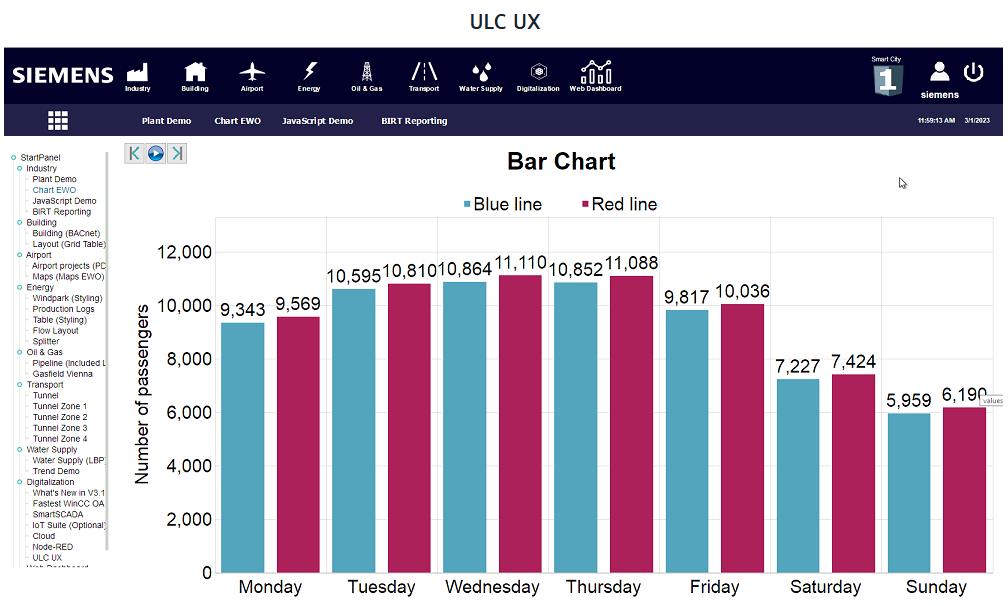
The ULC UX widget shows predefined panels via a ULC UX-connection.
Additional Requirements
In addition to the general Requirements and Licensing of the Dashboard, following requirements need to be considered:
- For using the ULC UX widget, an explicit write permission bit needs to be configured, by using the config entry [wssServer] canWritePermissionBit. This bit must be set for the Dashboard user.
- The Dashboard must be started in "Read/Write" mode, by adding the parameter
?dbrwto the URL of the Dasbhoard, e.g.:https://localhost/data/dashboard/index.html?dbrw - A valid login token must be stored.
- A UI Client license is required.
Settings
The ULC UX Widget can have the custom appearance settings of custom title, colors and controls.
Content
The ULC UX widget you can either Use Default Panel, which is the configured ULC UX default panel, or Choose Custom Panel. The custom panel can be selected from all panels within the project using the panel selector that pops up from the search icon.
Advanced
The default host for the ULC UX widget is the same as the host for the Dashboard itself. This can also be switched to a User-Defined Host, e.g.: a remote web server.