
Image Widget
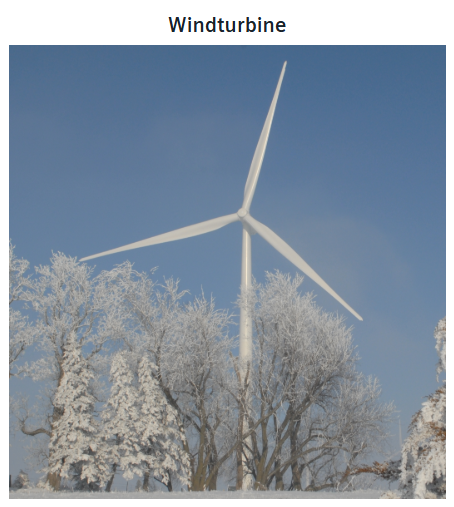
The Image widget is used to display an image.
Settings
The Image Widget can have the custom appearance settings of custom title, colors and controls.
Content
The Image Widget displays the image found at the URL set here. Alternatively an image can be inserted via a paste action (CTRL + V), in which case, the entire image description will be saved in the widget.
Advanced
The Image Widget can display an alternative image text, set here in all project languages.
The image can be fitted into the widget either as contain, cover or fill.
Additionally, a link can be provided to be opened when the image area is clicked. This can either be opened in the current or a new tab.