
Step 4 - Upload Receipt (Online PC)
- Transfer the created receipt to an Online PC.
- Select the receipt file (.Receipt) created in Step 3 - Import update and create a receipt (Offline PC).
Figure 1. Upload receipt 
Figure 2. Licensing synchronization window 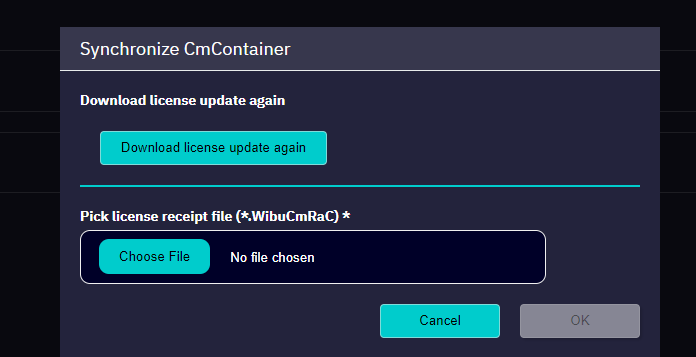
- Click on OK to upload the receipt.
- The license operation is finished.