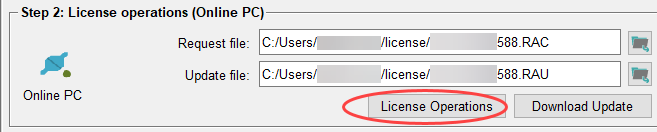
Step 2 - License Operations
- Add the request file (.RAC) that has been created in the previous step and perform your changes within the WinCC OA License Portal on an Online PC either in WinCC OA or in the browser. When ready, press the Download Update button to download and save the update file (.RAU).
-
This file can be used in the next step to update the local license container on the Offline PC.
Figure 1. License Operations