Camera
|
This object is used for representing a camera. A camera datapoint must be passed to the graphical object as a $ parameter ($OBJECT). The object can be rotated to any desired position. Whether the camera number is displayed during runtime depends on the position of the camera. If it is placed vertically or horizontally the camera number is displayed. 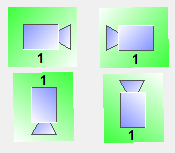
If the camera is placed in another angle the camera number can not be displayed during runtime. 
The following image shows how the camera is displayed if the passed datapoint does not exist.
In case that the control connection to the camera is disabled, a red frame is displayed.
The background color shows the state of the live stream. If it is green, the connection is established.
The red background color indicates that the connection is faulty.
If there is a grey background, the state of the connection is currently unknown.
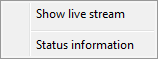
The following context menu can be opened by a right mouse click on
the graphical object during runtime. In case that playback is available for the camera, there is an additional menu entry "Show playback stream". For further information, refer to Playback. Show live streamThis option opens the default live stream of the user interface. If the camera supports PTZ controls the control elements are shown right to the display. 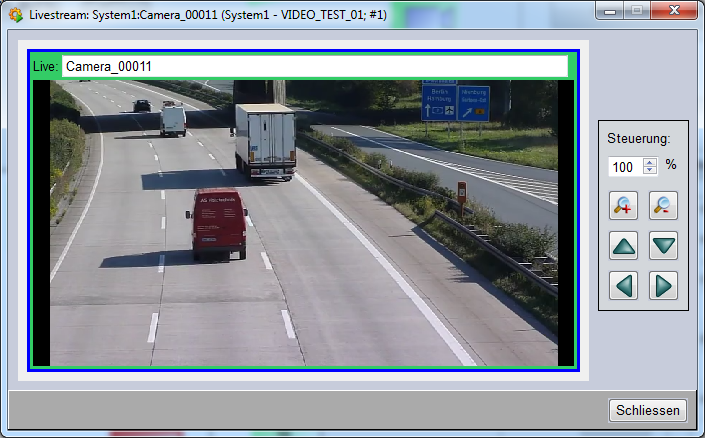
This option opens a window which displays the currently available live stream, status information and error messages of the camera. 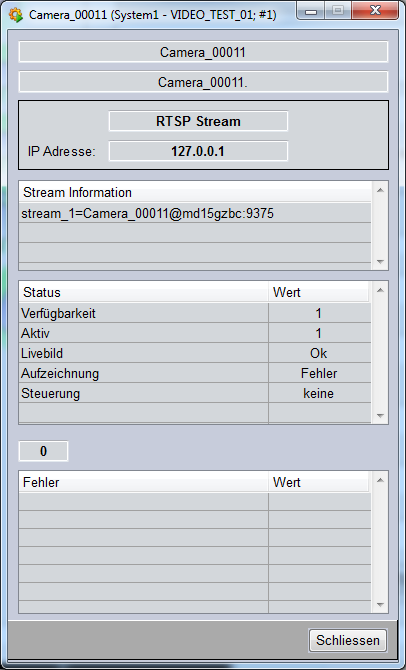
|