
Video Object Explorer
The video object explorer can be used for the configuration of video objects and workstations.
It provides the following functionalities:
-
Creating new video objects and workstations
-
Configuration of existing video objects
-
Locking of configurations
-
Deletion of existing video objects
-
Displaying status information of existing video objects
-
Displaying the operating status of existing video objects
-
Displaying live streams of cameras
The object explorer can be opened via the video tab in the system management after completing all steps to include the Video add-on.
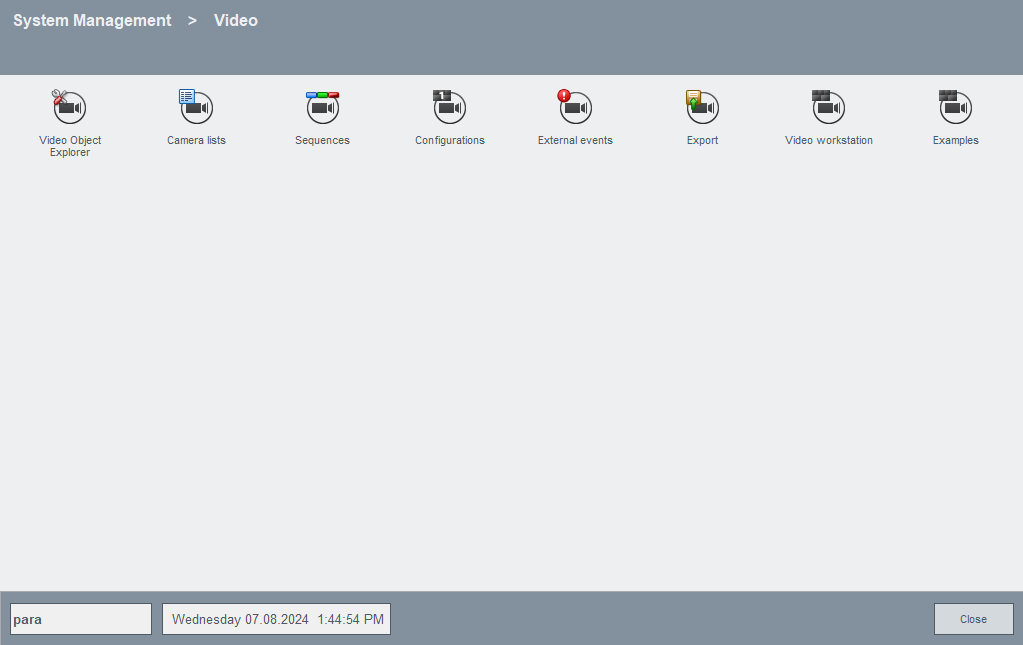
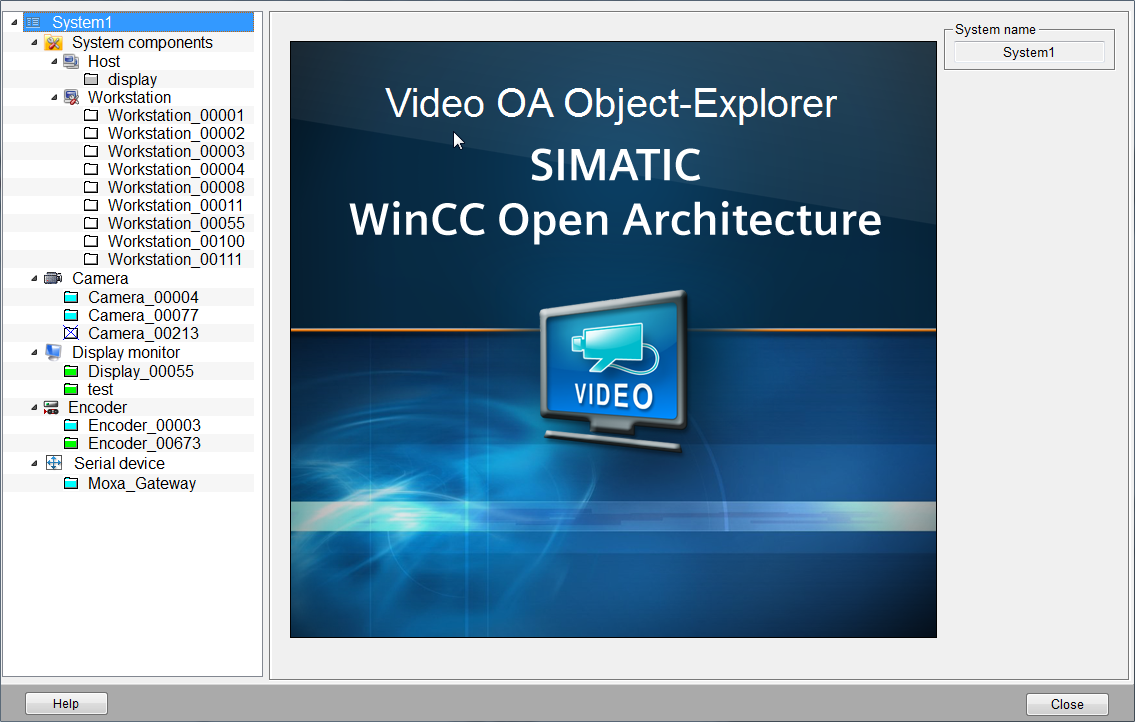
All video objects are displayed on the left side of the panel.
-
System components (Encoder pool, Export Server, FTP alarm receiver, Host, Recording, Crossbar, RTSP server and Workstation)
The configuration- or status panels are displayed on the right side.
Status symbols
System status
 - all CTRL components as well
as the video manager of the system are running on the active host
- all CTRL components as well
as the video manager of the system are running on the active host
 - not all CTRL components are
running on the active host
- not all CTRL components are
running on the active host
 - the video manager on the
active host is not running. Therefore, it does not matter whether the CTRL
components are in operation on the active host.
- the video manager on the
active host is not running. Therefore, it does not matter whether the CTRL
components are in operation on the active host.
Object status
 - object is not configured
 - connection error
 - active
 - connection establishment
 - unknown
 - deactivated
 - no connection
Workstation status
- user interface is
running
- user interface is running
but the connection to the keyboard is disturbed
- user interface is not
running