Video Widget Configuration
Note:
The video functionality and the Dashboard must be added to the same project.
- Install the WinCC OA with Video-Add-On .
- The video widget must be added to the Dashboard.
- Before using the widget, configure the cameras - see chapter Creating cameras.
- Add a Control and a Video manager to your WinCC OA Dashboard project- see chapter Requirements and Installation.
- Add the host name of your computer via the . See chapter System configuration.
- Open the video widget. In order to open the video widget in the Dashboard, add the video widget to the Dashboard as follows:
- Click on the Video Widget:
Figure 1. Dashboard - Video Widget 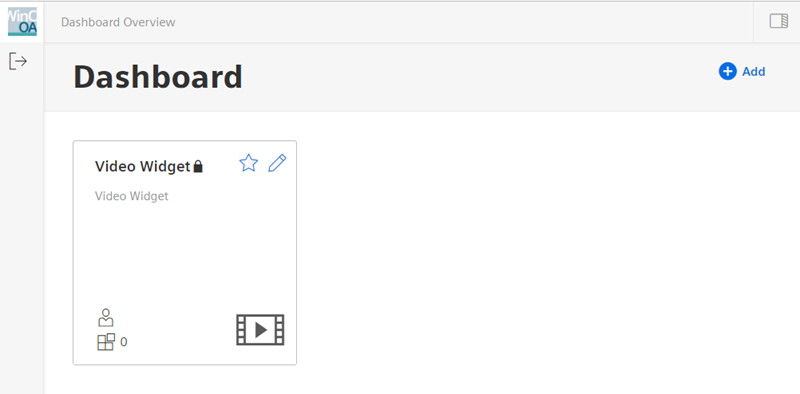
- Select the Video Widget :
Figure 2. Widgets - Video Widget 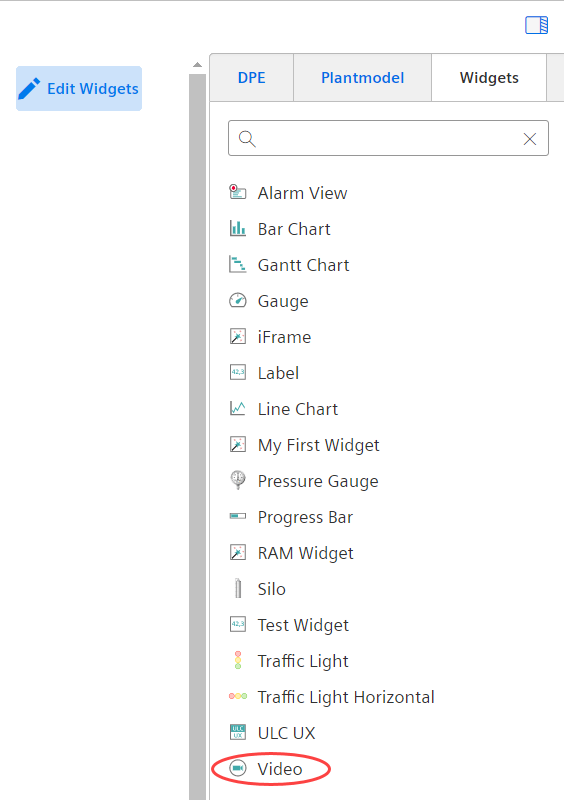
- Open the Dashboard and the video widget to choose settings for the Video Mode.



