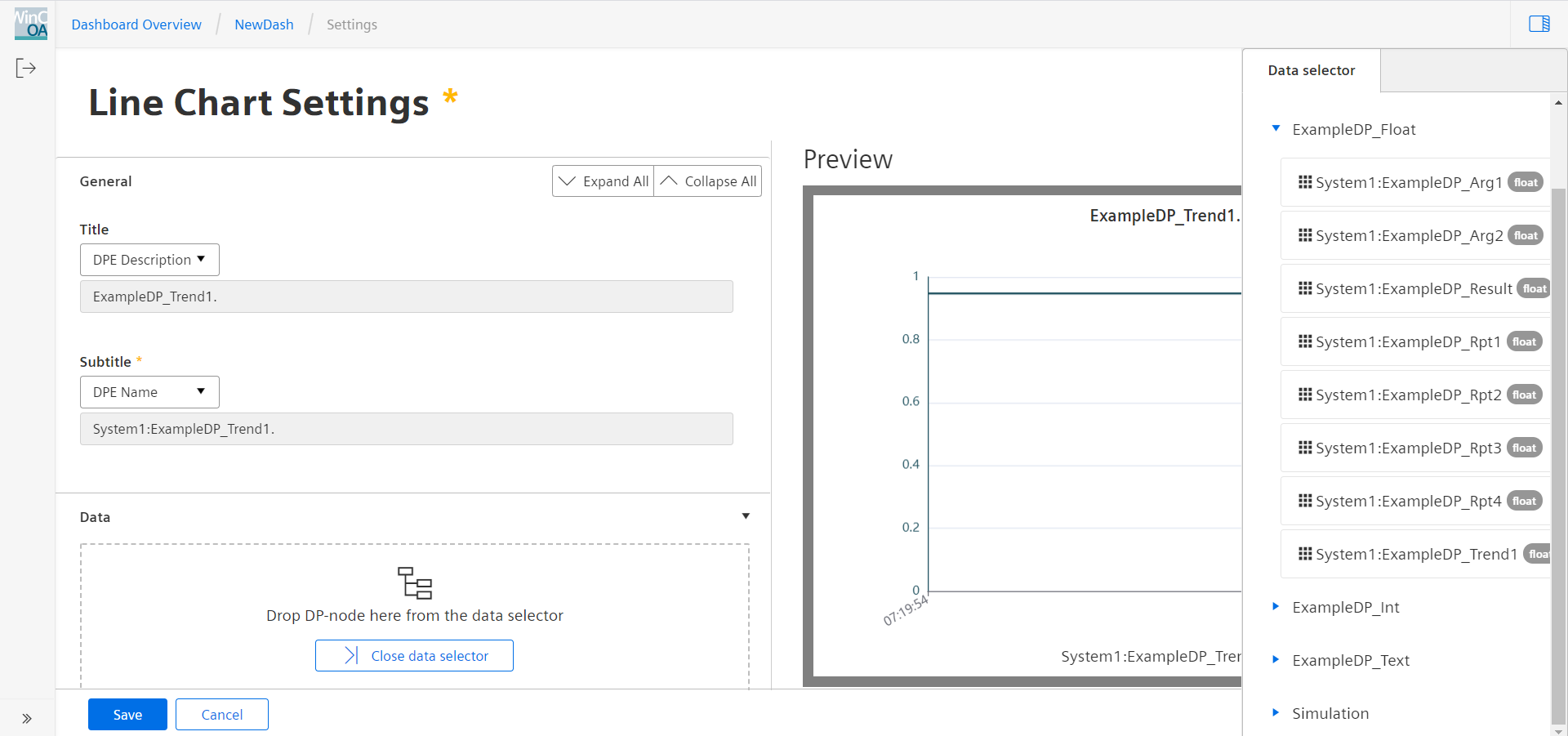
Data Selector
The datapoint selector shows all datapoints available in the project, grouped under their respective master datapoint structures. For ease of handling, the respective data point type is shown beside the address. Selecting one datapoint will open the selection for available widgets. Not all widgets are usable for all datapoint types (e.g.: only the label widget can be used for string data types).
In a distributed system not all search requests within the Dashboard Data Selector will return the expected results. In some case existing datapoints (elements) are not returned.
The search function in the Data Selector will take one or multiple of the following parameters:
- pattern
- The search pattern. If this does not contain a '*' or '?', the pattern will be enclosed in asterisks (e. g. "*pattern*")
- areas (optional)
- An array of areas where search should be done. The search will be done in the
order of the values in the array, which can be one or more of:
- "DP"
- search in datapoint and datapoint element names (case insensitive)
- "alias"
- search in datapoint aliases (case sensitive)
- "CNS"
- search in CNS IDs and descriptions (case insensitive)
- default
- all areas in the following order: [ "DP", "alias", "CNS" ]
- maxResults (optional)
- The maximum number of results to return (default: 500)
- internal (optional)
- If this paramter is given as true, the datapoint and datapoint element name search will also include internal datapoints.
- locale
- The locale of the CNS names which will be searched and returned. This is required if "areas" includes "CNS.
The result will contain one result array per area in the request. In addition, if the result contains "DP", it will also contain "DPT" which contains all datapoint types used by the datapoints listed in "DP". If the result contains "alias", it will also contain "DPT_alias", which contains all datapoint types for the datapoints listed in "alias".
Internal datapoints can be found by starting the search term with "_".