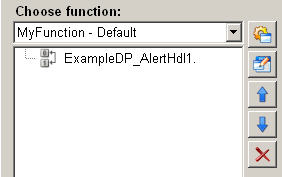
Invert boolean datapoint element
This function in the ScriptWizard enables inverting any boolean datapoint element.
Structure
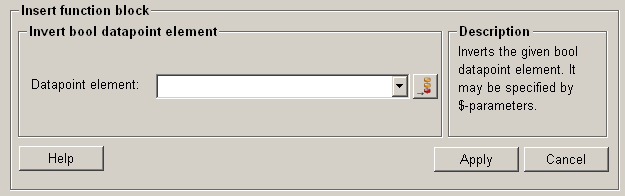
The following paragraphs list all fields and options of the function "invert boolean datapoint element" and explain how to use them.
Datapoint element
The datapoint element selection list enables accessing already defined datapoint elements (refer to dollar-parameter), which can be then inverted.
Add new datapoint 
Opens the dialog to add a new datapoint element (see also Add datapoint element).
Help
For more information about the function "invert boolean datapoint element" please refer to the WinCC OA 3.11 online help by clicking on the push button "Help".
Apply
Click on the push button "Apply" and a boolean datapoint element is inverted. The entered values are then applied to the current function.
Cancel
Click on the push button "Cancel" and this function is rejected. A new function can be then selected.