
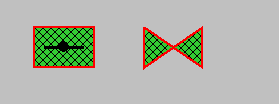
Flap_Hand, Slide_Valve_Hand1
These two symbols are represented by the datapoint type Slide_Valve_Hand1. There are only four datapoint elements as control is manual; there is no simulation panel as the status commands are simulated directly in the equipment operational panel.
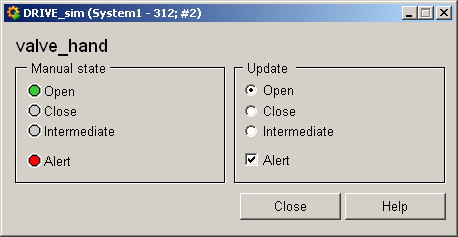
Equipment operational panel Slide_Valve_Hand1
The left side of the equipment operational panel displays the states (Open/Close/Undefined) and PLC responses and any faults.
The right part of the panel displays the actions simulated on the periphery. No commands are possible in manual control mode.
Information panel Slide_Valve_Hand1
The information panel contains details on the associated datapoint elements. Please see the chapter datapoint types for the symbol catalog (see SLIDE_VALVE_HAND1) in the PARA module for a description of the datapoint types and their elements.
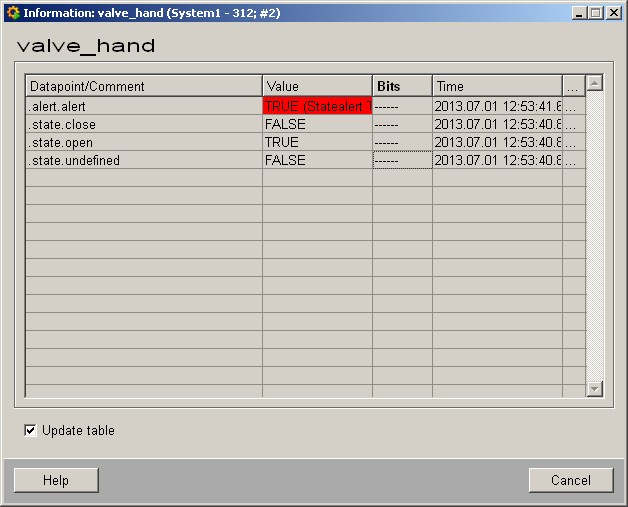
The table contains all datapoint elements either with their name or description, their values (contents), status (bits) and source time. The "..." buttons open detailed information on the event or alert (see alert table).