User-defined animation
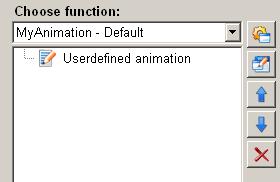
The animation function "user-defined animation" in the ScriptWizard allows the user-defined animations to be called by a function.
Structure
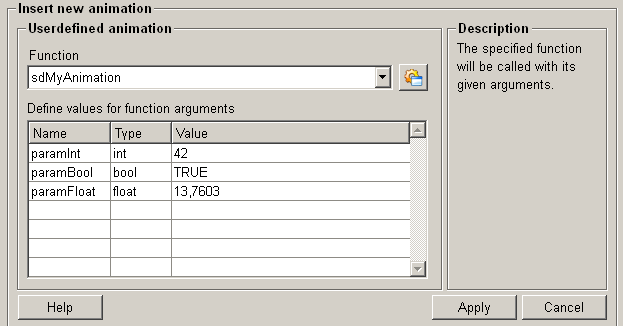
The following paragraphs list all fields and options of the animation function "user-defined animation" and explain how to use them.
Function
In the function drop-down list all already defined functions are listed. These functions can be used as unser-defined animations. For more information about functions in the ScriptWizard please refer to unser-defined functions.
Add function
Create a user defined function by clicking on the add function push button  . For more
information please refer to userdefined
functions
. For more
information please refer to userdefined
functions
Define values for function arguments
The table shows all parameters of the function. Double-click on the text field in the value column to assign values to parameters.
Help
For more information about the function "user-defined animation" please refer to the WinCC OA 3.11 online help by clicking on the push button "Help".
Apply
Click on the push button "Apply" and the user-defined animation is accepted. The values are then applied to the current function.
Cancel
Click on the push button "Cancel" and the settings are rejected. A new animation function can be then selected.