OPC UA Client - Redundancy
WinCC OA Redundancy
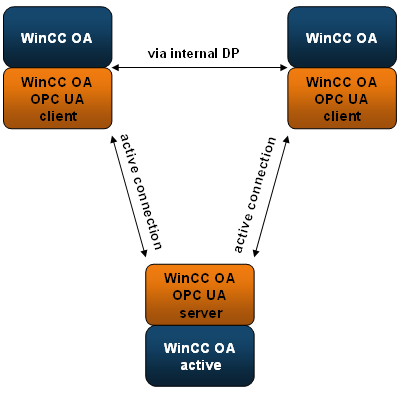
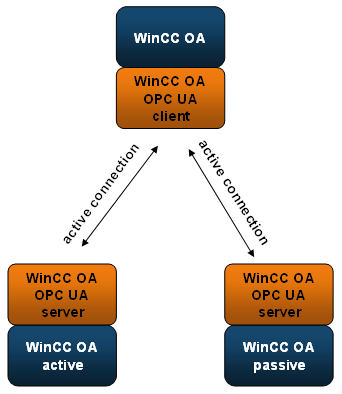
Both UA clients in a redundant WinCC OA system are communicating with the UA Server in a symmetric way. Both are connecting, creating the subscriptions, and the monitored items. From the server's point of view, these are two independent clients.
The real active/passive mechanism and the related discarding of values is carried out in WinCC OA. In order to avoid a data loss during the switch-over a general query is recommended (see autoGQ).
The advantage of this redundancy variant is that the server has not to support any redundancy abilities.
The figure below shows the client redundancy architecture in a redundant WinCC OA system
OPC UA Server Redundancy
The UA client supports the communication to a redundant UA server pair.With respect to OPC UA Server redundancy, the UA clients support two operation modes in accordance with the UA specification:
- Hot(b) redundancy
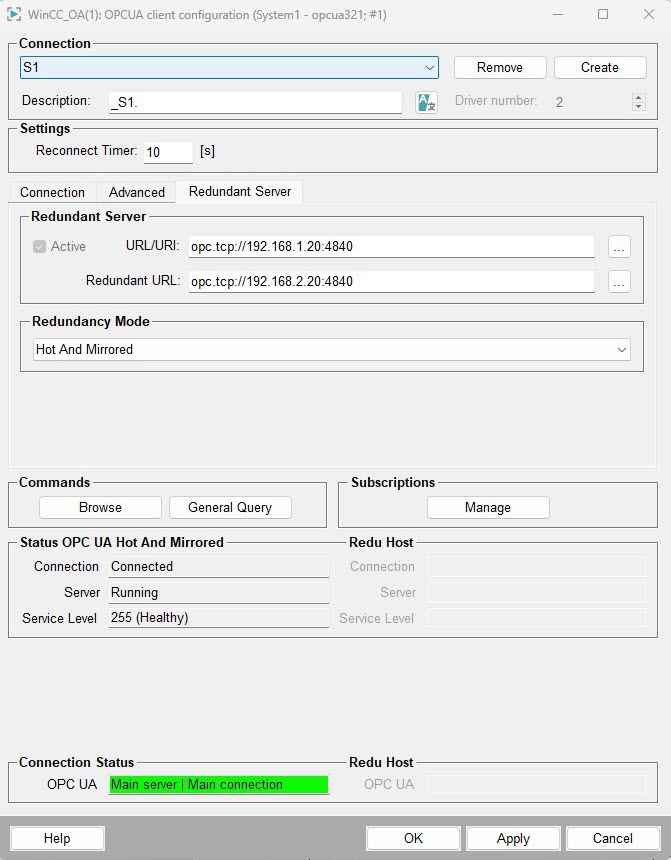
- HotAndMirrored (available as of WinCC OA version 3.21).
These modes are described in the next sections.
Hot(b) Redundancy
- The monitored items are enabled on both servers, so both servers will deliver data.
- The monitored items are only enabled on the server with the higher service level
if both servers are connected.
You can also configure a preferred input if data is received via both connections via the _OPCUAServer.Redu.InputMode datapoint element.
If both connections transfer data, the client uses the timestamp of the value to remove duplicate values.
The client always sends the commands to both servers. The redundant UA server pair must handle these "duplicate" commands correctly.
Other OPC UA services such as browsing, the conversion of BrowsePath to NodeId or historical queries are sent to the server with the higher service level. If both servers have the same level, the first server is used.
HotAndMirrored Redundancy
Redundant Network
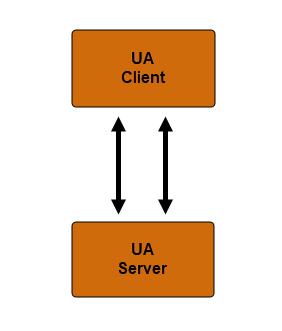
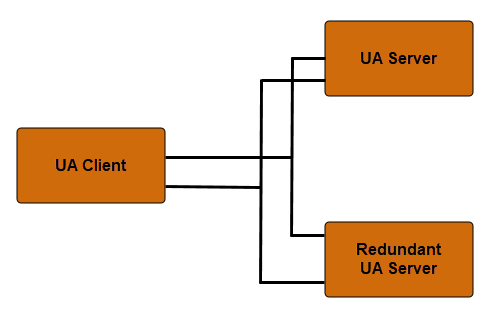
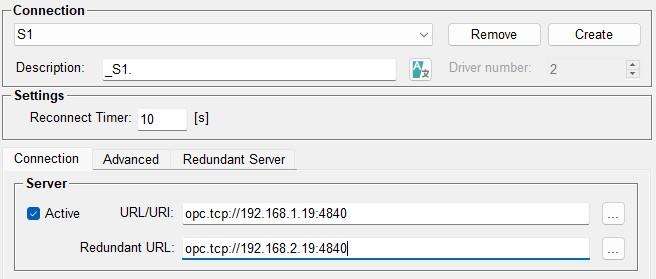
The OPC UA client is also supporting a redundant network as shown in the schematic pictures below. The principle of this redundant connection is that only one connection is active at any given time. If the current connection fails, the client automatically attempts to connect to the alternative URL. If this is successful, the OPC UA session of the broken connection is transferred to the new connection, which means that all configuration (subscriptions, monitored items) is still available.
Additionally, the monitored item buffers are preserved, so no subscription data is lost, provided the buffers are large enough to cover the duration of the connection loss.
Whether this transfer happens smoothly depends on the session and subscription timeouts.