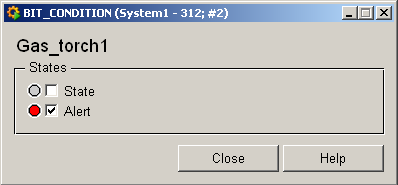
Bit_Condition, Filter, Gastorch
These three symbols are all represented by the datapoint type BIT_CONDITION. They allow you to display the operational state (On/Off) or a fault:
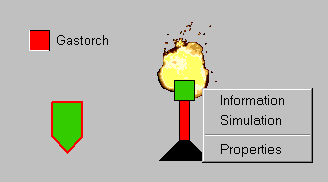
Equipment operational panel Bit_Condition
In this panel you can display the operational state (On/Off) or a fault:
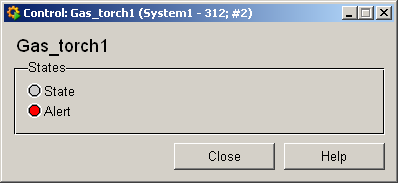
Information panel Bit_Condition
The information panel contains details on the associated datapoint elements. Please see the chapter datapoint types for the symbol catalog (see BIT_CONDITION) in the PARA module for a description of the datapoint types and their elements.
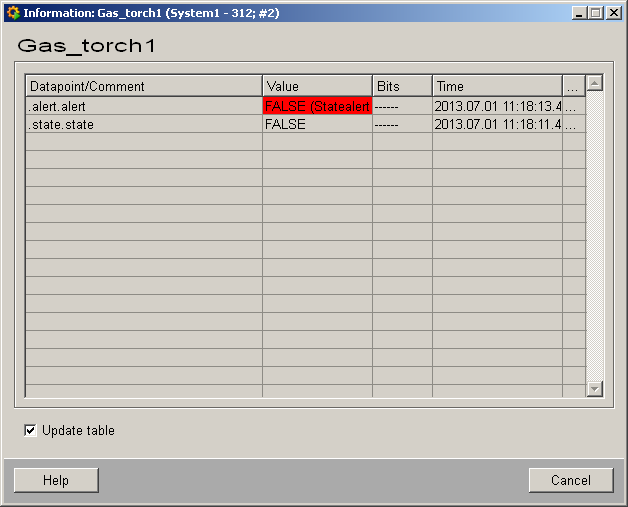
The table contains all datapoint elements either with their name or description, their values (contents), status (bits) and source time. The "..." buttons open detailed information on the event or alert (see alert table).
Simulation panel Bit_Condition
Right-click on the symbol or select the Simulation menu to open the following panel for simulating a peripheral device. This panel can be used to set datapoint elements by hand: in this panel you can simulate the operational state (On/Off) or a fault (see Simulating operational states). You can find the associated operational state for the following panel in Equipment operational panel.