How to set up WinCC OA for the connection with a PostgreSQL instance
- Start WinCC OA project with NGA
- Open the
Figure 1. System Management - Database Engineering Panel 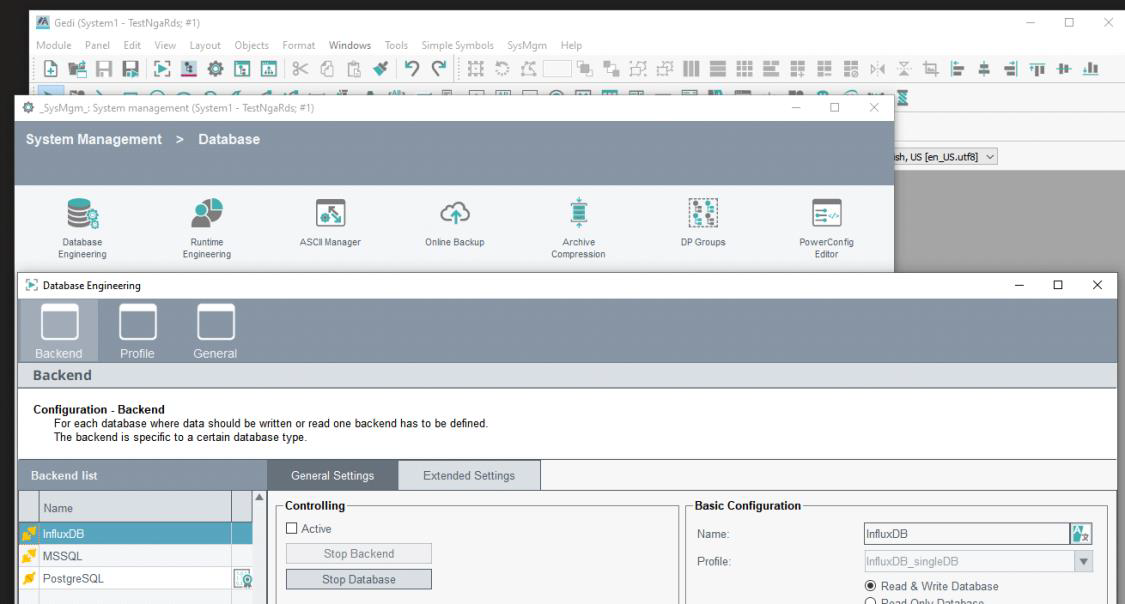
- Set the database connection address:
Figure 2. Database Connection Address 
- Set the user name and password:
Figure 3. Set the user name and password 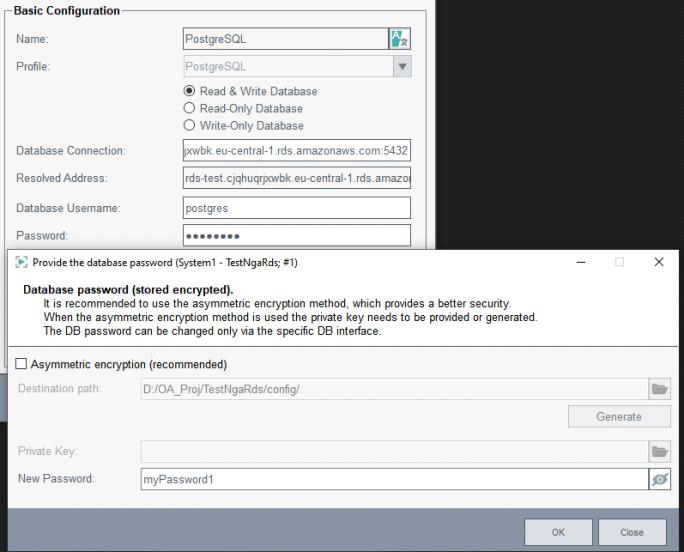
- Specify the database name that you have previously configured in the Extended
settings:
Figure 4. Extended Settings 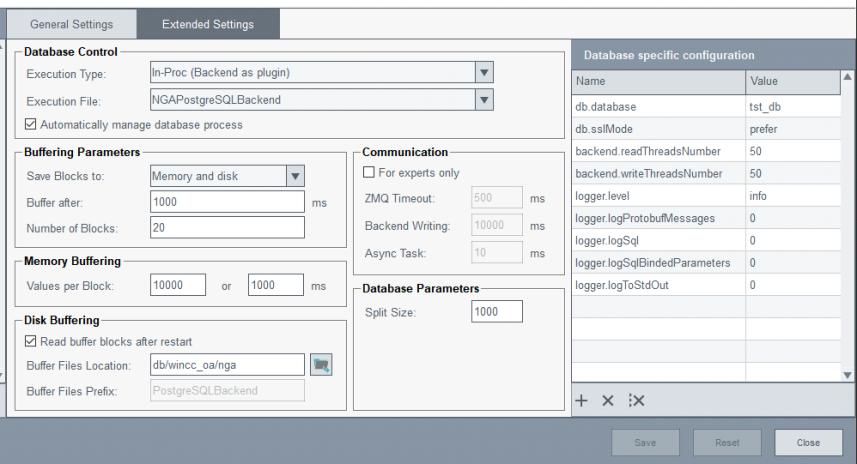
- Activate the connection:
Figure 5. Activate the connection 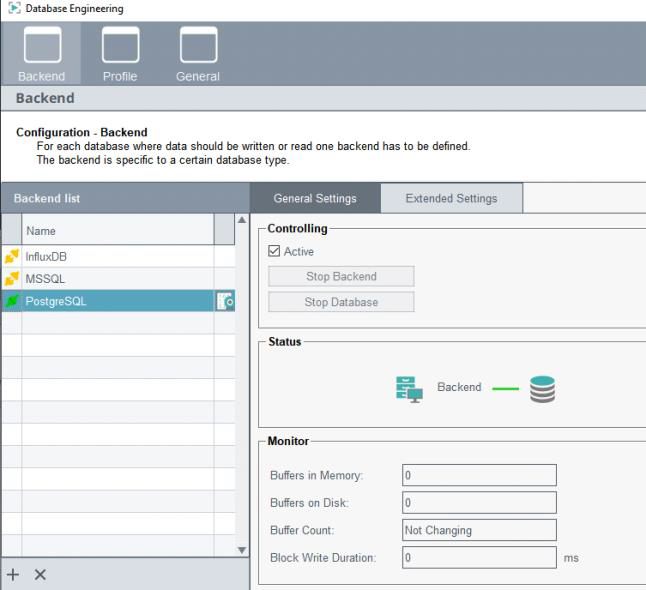
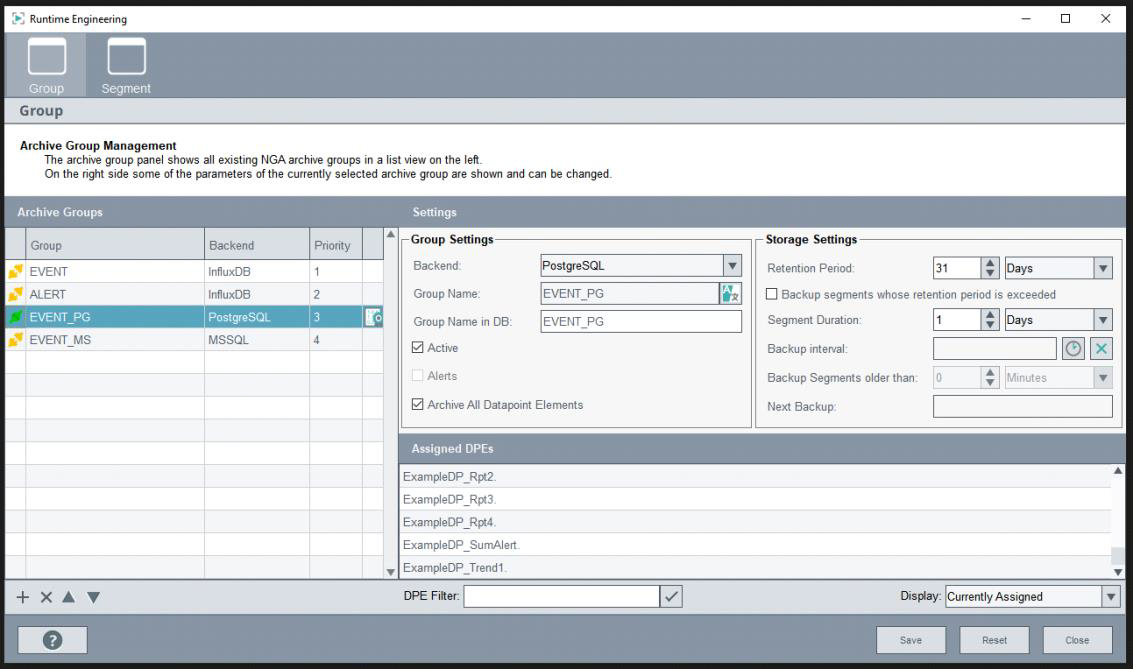
- Done! Now archive your first datapoint(s)! Activate the archive group in the and add one (or all) DPEs to be archived:
Figure 6. Archive DPs